
Your Organization Admin needs to have set up and had an SSO profile approved before this works. Once that's done:
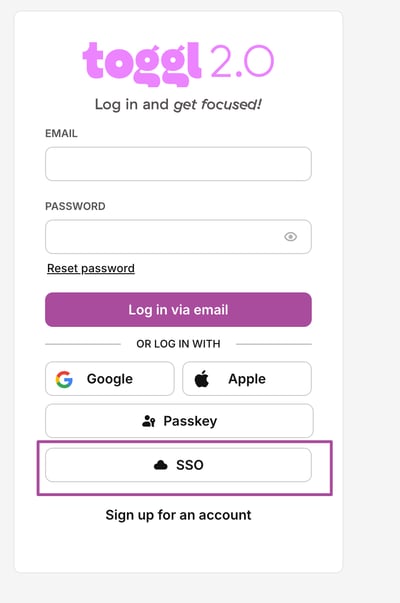
- Go to the 2.0 login page.
- Click SSO
- Enter your work email address and click Continue.
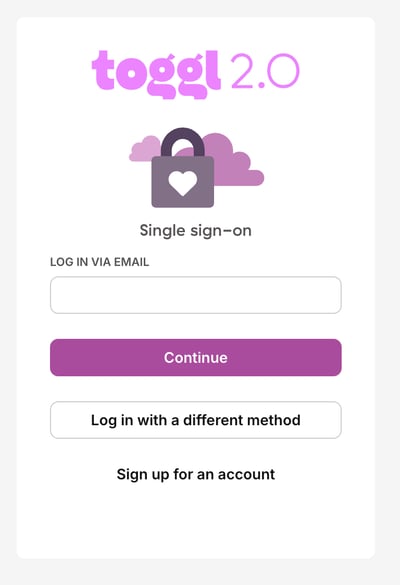
- You'll be sent to your identity provider to complete its usual login flow. Once that's done, you'll land back in Toggl 2.0, signed in.